
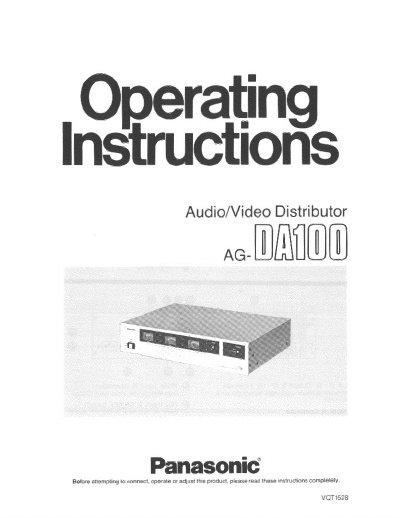
The Panasonic AG-DA100 is an audio/video distributor designed to distribute input video and/or audio signals up to 10 output lines. It features loop-through type input terminals allowing for expanded distribution by connecting multiple units in a chain.
The unit includes controls for selecting signal inputs (A or B) for specific outputs, adjusting audio and video levels via front panel meters, and mounting in a standard 19-inch rack. Safety precautions regarding voltage settings and electrical shock are emphasized before operation.
| Power Supply (Foreign) | 110/220/240 V AC |
|---|---|
| Video Input | BNC x2, 1.0 Vp-p, 75Ω |
| Audio Output Level | -6 dB (selectable) |
| Weight | 12.76 lbs (5.8 kg) |
The unit allows selection of inputs A and B for two outputs: A (1~5) and B (6~10), or distributes all to A, or all to B.
Adjust the video level so that the meter reading is within the blue color range of the meter.