
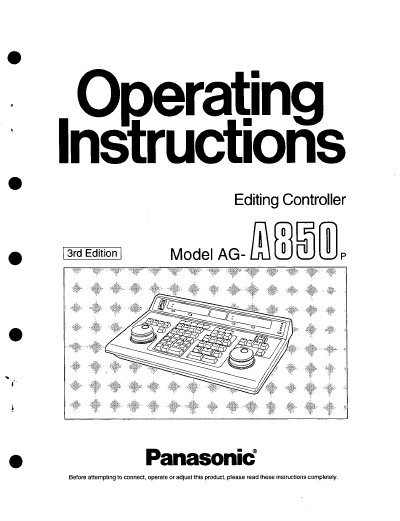
The Panasonic AG-A850P Editing Controller is a device designed to control VTRs for video editing tasks. It features a counter section for monitoring player and recorder time displays, a control unit for playback and recording operations, and a source selecting unit for managing multiple VTR inputs. The device supports various synchronization grades, including ACCURATE, SOFT, and ROUGH modes, to ensure precise editing.
The manual details the operating procedures for different editing modes, such as cut editing, A/B roll editing, multi-recorder editing, and audio split editing. It also explains how to use auxiliary functions like edit point checking, revising edit data, and transferring data to external destinations. Users can perform tasks like setting edit points, adjusting tape travel speed, and managing event numbers and patterns.
| Synchronization Accuracy (ACCURATE) | +/-0 frame |
|---|---|
| Synchronization Accuracy (SOFT) | +/-1 frame |
It switches the time display of the VTR's tape position to time code (TC) or CTL.
Press the MARK IN button to read the VTR's time code or CTL and set the edit IN point.
It selects the accuracy of synchronization during editing, with options like ACCURATE, SOFT, ROUGH, and OFF.