
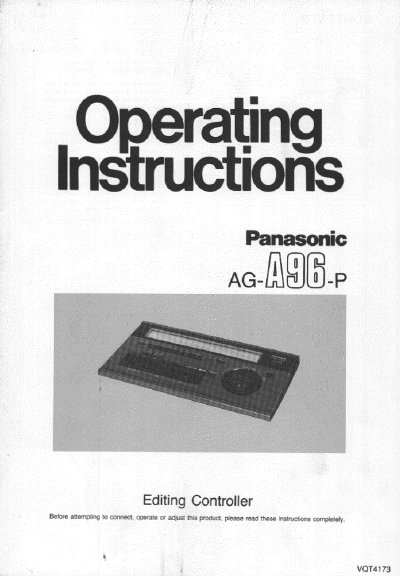
This document provides operating instructions for the Panasonic AG-A96 Editing Controller. It details safety precautions, describes the various controls including playback, recording, and editing buttons, and explains how to use the unit in High-Speed Mode with two table-type VCRs or Standard-Speed Mode with a movie camera and a table-type VCR.
The guide covers installation procedures for connecting the controller to Panasonic VCRs equipped with editing sockets. It also includes information on the multi-function display indications, tape transport modes, and specific functions such as direct search, assemble editing, insert editing, and audio dubbing.
Editing will stop if the playback or recording VCRs remain in a still picture playback or recording pause state for more than about 5 minutes.
Press the (Edit) Stop Button and the Recorder Button on the Editing Controller simultaneously.