
Panasonic TC-L37D2/TC-L42D2 LCD HDTV Quick Start Guide

This is a user manual for TC-L37D2 and TC-L42D2 1080p LCD HDTV, including Quick Start Guide.
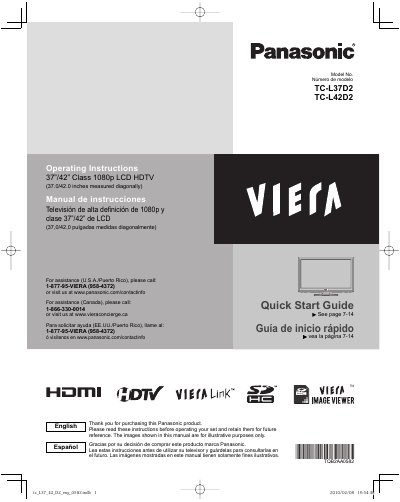

Panasonic TC-L37D2/TC-L42D2 LCD HDTV Quick Start Guide - cover page
Brand
Panasonic
Category
Television
Document type
User Manual
Language
English
Pages
58
File format
PDF
File size
2.2 MB
Published
03 August, 2012
Updated
29 September, 2023
MD5 checksum
07FB3F2439420090E69EF20421FC3043

About this manual

This document is a Quick Start Guide for the Panasonic TC-L37D2 and TC-L42D2 Class 1080p LCD High Definition Televisions. It provides instructions for initial setup, identifying controls, and connecting accessories such as VIERA Link compatible devices. The guide covers basic features like watching TV, using VIERA TOOLS, playing iPods, and viewing PC screens.

What's inside

  • Safety Precautions
  • Quick Start Guide
  • Accessories/Optional Accessory
  • Basic Connection
  • Identifying Controls
  • First Time Setup
  • Watching TV
  • Using VIERA TOOLS
  • Playing an iPod on TV
  • FAQs

Specifications

Display TypeClass 1080p LCD HDTV
Screen Sizes37.0/42.0 inches

Frequently asked questions

How much space is required around the TV openings?

There should be at least 10 cm of space from these openings to ensure reliable operation.

What is the minimum space required between the TV and the wall for ventilation?

You must maintain at least 10 cm of space from the ventilation openings to prevent overheating.

What specific wall-hanging bracket is approved for use with this TV?

The only approved wall-hanging accessory is the TY-WK3L2RW bracket manufactured by Panasonic.

When must the power cord be unplugged to shut down all power?

The unit must be unplugged from the AC outlet because the power switch does not completely cut power.

Download PDF (2.2 MB)

More Panasonic Manuals


View all Panasonic manuals →