
Panasonic TC-L42E3 42" Class 1080p LCD HDTV User Manual

This is a 42-inch 1080p HDTV that can connect to other devices via HDMI
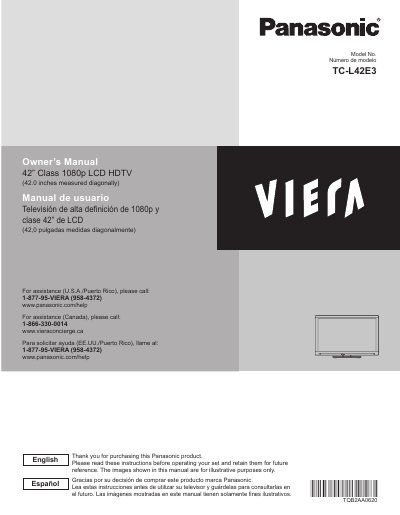

Panasonic TC-L42E3 42" Class 1080p LCD HDTV User Manual - cover page
Brand
Panasonic
Category
Television
Document type
User Manual
Language
English
Pages
65
File format
PDF
File size
2.5 MB
Published
03 August, 2012
Updated
30 September, 2023
MD5 checksum
8E17199BF54EAB1C955ECB569A68F43C

About this manual

This manual provides instructions for the Panasonic TC-L42E3, a 42-inch Class 1080p LCD HDTV. It includes safety precautions, initial setup steps, and guidance on using basic and advanced features such as VIERA Link, HDAVI Control, and network services. The document also covers picture and audio settings, timer functions, and channel editing.

What's inside

  • Safety Precautions
  • Getting started
  • Connections
  • First Time Setup
  • Basic Features
  • Watching TV
  • Using VIERA TOOLS
  • Watching content from external devices
  • Using Media player
  • Advanced Features

Specifications

Screen Size42 inches measured diagonally
Resolution1080p
Product TypeLCD HDTV

Frequently asked questions

How do I get assistance for this product in the U.S.A.?

Call 1-877-95-VIERA (958-4372) or visit www.panasonic.com/help.

What is the screen size of this TV?

The screen measures 42.0 inches diagonally.

How much space must be around the TV for ventilation?

There should be at least 10 cm of space around the unit.

When should you unplug this apparatus from the wall outlet?

You must unplug it during lightning storms or when unused for long periods.

Download PDF (2.5 MB)

More Panasonic Manuals


View all Panasonic manuals →