
This document is the user manual for Panasonic 32/37/42-inch 1080p LCD HDTV, which introduces the function features and usage methods of the TV.
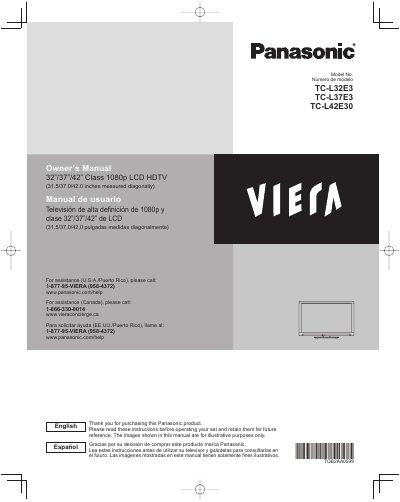
This manual provides instructions for the Panasonic TC-L32E3, TC-L37E3, and TC-L42E30 1080p LCD HDTVs. It covers safety precautions, initial setup, and basic features such as watching TV and using VIERA TOOLS. The guide also details advanced features including VIERA Link, HDAVI Control, network services, and DLNA functionality.
| Screen Size | 32/37/42 inches |
|---|---|
| Resolution | 1080p |
| Product Type | LCD HDTV |
For U.S. assistance, call 1-877-95-VIERA or visit www.panasonic.com/help.
There must be at least 10 cm of space around the TV to ensure reliable operation and prevent overheating.
You must unplug the LCD TV from the wall outlet and refer servicing to qualified service personnel.
The only specified optional wall-hanging bracket is the TY-WK3L2RW, manufactured by Panasonic Corporation.