
This file is the user manual of Panasonic TC-L32G1 and TC-L37G1 32 inch/37 inch 720p/1080p LCD HDTV, which details the use of the TV.
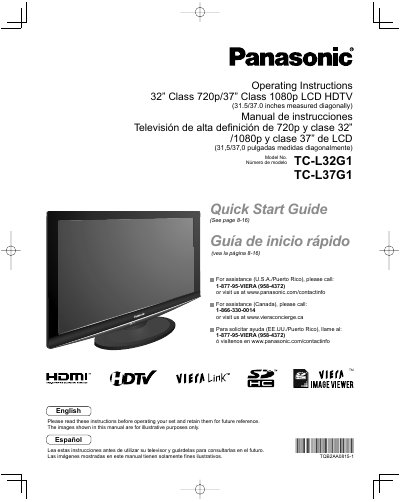
This manual provides operating instructions for the Panasonic TC-L32G1 (32" Class) and TC-L37G1 (37" Class) LCD HDTVs. It includes a Quick Start Guide for initial setup, instructions for using VIERA Link and HDAVI Control, and guidance on viewing various media sources including SD cards, PCs, and DVDs. The document also details advanced menu functions, timer settings, and care instructions.
| Screen Size (32" Model) | 32" Class |
|---|---|
| Screen Size (37" Model) | 37" Class |
| Resolution (32" Model) | 720p |
| Resolution (37" Model) | 1080p |
| Product Type | LCD HDTV |
The part number for the 32-inch model is TC-L32G1.
The part number for the 37-inch model is TC-L37G1.
For assistance in the U.S.A./Puerto Rico, please call 1-877-95-VIERA (958-4372) or visit www.panasonic.com/contactinfo.