
This document provides operating instructions for Panasonic 3D Eyewear TY-EW3D2LU TY-EW3D2MU TY-EW3D2SU, including safety precautions, usage precautions, accessories, charging, storage and cleaning, troubleshooting, specifications, etc.
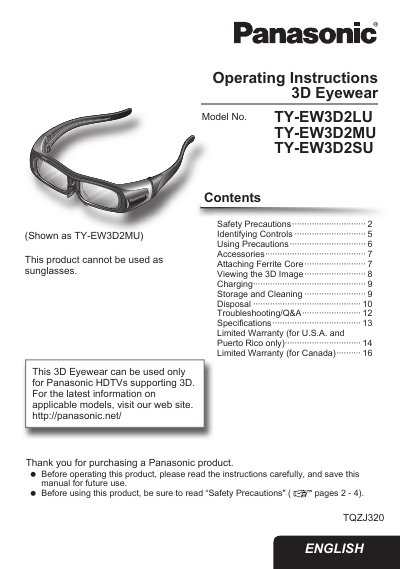
This manual provides operating instructions for the Panasonic 3D Eyewear (Models: TY-EW3D2LU, TY-EW3D2MU, TY-EW3D2SU). It details how to identify controls such as the liquid crystal shutter and infrared receiver, along with safety precautions regarding charging and usage. The document explains how to attach accessories like the ferrite core and provides step-by-step guidance for viewing 3D images on compatible Panasonic HDTVs.
| Compatible TV Type | Panasonic HDTVs supporting 3D |
|---|---|
| Battery Type | Lithium-ion polymer rechargeable battery |
| Power Off Timer | 5 minutes after signal loss |
No, this product cannot be used as sunglasses.
The power automatically switches off after 5 minutes.
Set the power switch to ON.