
This manual provides detailed instructions on how to replace the lamp unit for the Panasonic TY-LA2004 projection monitor.
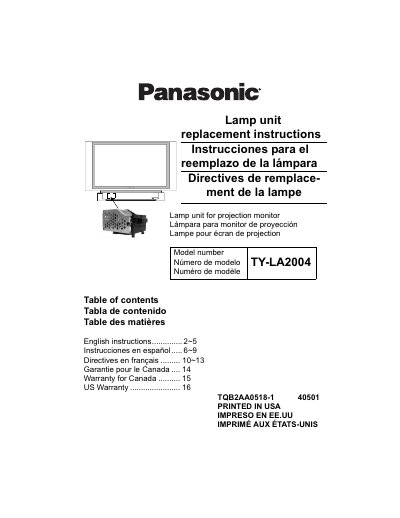
This document provides replacement instructions for the Panasonic TY-LA2004 lamp unit used in projection monitors. It includes multilingual guides (English, Spanish, French) covering safety precautions, recycling information, and customer support contacts.
The manual details a step-by-step procedure for removing the old lamp unit and installing a new one. Key steps involve powering off the device, waiting for the cooling fan to stop, removing the front cover, unscrewing the lamp housing, and carefully inserting the new unit by its handle without touching the glass bulb.
| Replacement Period | approximately 10,000 hours of use in the normal usage mode |
|---|
You must allow the lamp to cool for at least 1 hour before handling or replacing the lamp unit.
Press down both the VOLUME DOWN button on the unit and the MUTE button on the Remote Control at the same time for 3 seconds.