
Analog Devices EE-104 Setting Up Streams with the VisualDSP Debugger Manual

Describes how to configure streams with the VisualDSP Debugger
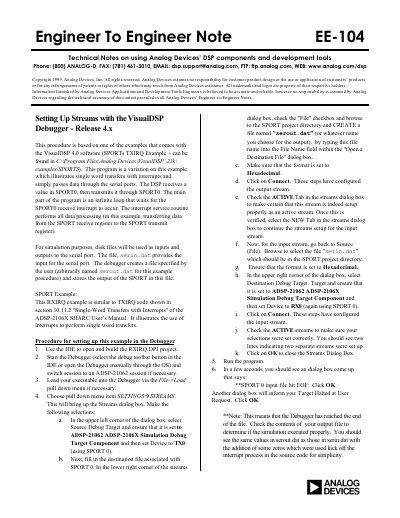

Analog Devices EE-104 Setting Up Streams with the VisualDSP Debugger Manual - cover page
Brand
Analog Devices
Category
Other Electronics
Document type
Application Note
Language
English
Pages
1
File format
PDF
File size
121 KB
Published
03 August, 2012
Updated
30 September, 2023
MD5 checksum
4A7B173368F1D440D994CFBEE4850711

About this manual

This document is an Engineer-to-Engineer Note (EE-104) providing technical instructions on setting up data streams with the VisualDSP Debugger, specifically Release 4.x. It details a procedure based on examples found in the ADSP-2106X SHARC User's Manual.

What's inside

  • Setting Up Streams
  • VisualDSP Debugger
  • SPORT Interface
  • Interrupt Handling
  • File I/O Simulation

Frequently asked questions

What program is used to illustrate single word transfers with interrupts?

The program is a variation of the SPORTs TXIRQ Example that passes data through the serial ports.

What file provides the input for the serial port simulation?

The file serin.dat provides the input for the serial port.

What file stores the output of the SPORT?

The debugger creates a file named serout.dat and stores the output of the SPORT in this file.

Download PDF (121 KB)

More Analog Devices Manuals


View all Analog Devices manuals →