
Sharp CD-BA3100 Mini Component System Quick Guide

This Quick Guide will help you to correctly install and operate your system.
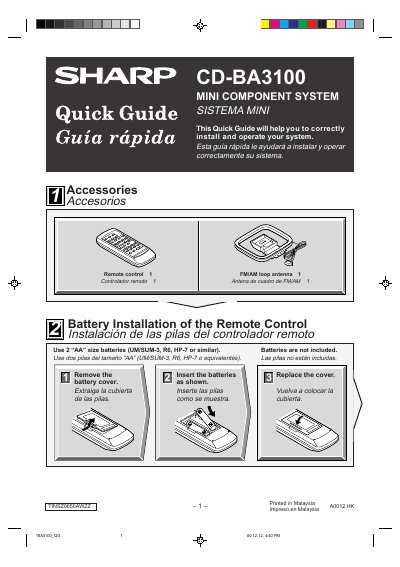

Sharp CD-BA3100 Mini Component System Quick Guide - cover page
Brand
Sharp
Category
Hi-Fi
Document type
Quick Start Guide
Language
English
Pages
4
File format
PDF
File size
249 KB
Published
03 August, 2012
Updated
01 October, 2023
MD5 checksum
ABD9E1814C93256B7CCB172FF03EEE0D

About this manual

The document is a multilingual quick guide (English, Spanish) for the Sharp CD-BA3100 Mini Component System. It details how to install batteries in the remote control and describes the necessary steps to remove the transport screw on the back of the unit before connecting power.

What's inside

  • Accessories
  • Battery Installation
  • System Connections
  • Turning on Your System
  • Listening to a CD
  • Listening to the Radio
  • Listening to a Cassette Tape

Frequently asked questions

What batteries are required for the remote control?

Use 2 "AA" size batteries (UM/SUM-3, R6, HP-7 or similar). Batteries are not included.

How do I cancel the demonstration mode?

Press the X-BASS/DEMO button to cancel the demonstration mode.

Download PDF (249 KB)

More Sharp Manuals


View all Sharp manuals →