
This is a quick guide for the BA300 mini component system, providing instructions for installation and operation of the system. The guide also includes battery installation for the remote control.
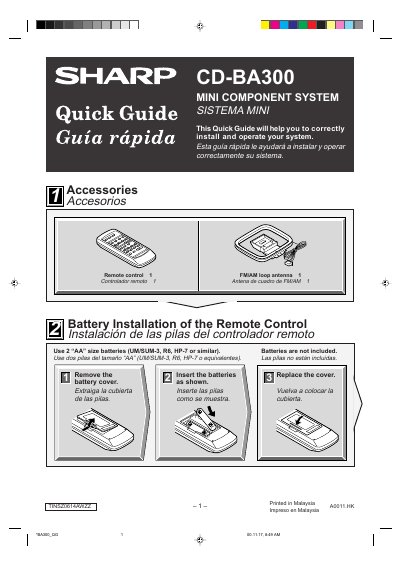
The document is a multilingual quick start guide for the Sharp CD-BA300 Mini Component System. It details how to install batteries in the remote control and describes the system's accessories, including an FM/AM loop antenna.
The guide covers system connections for speakers and antennas, as well as operating instructions for playing CDs, listening to the radio (FM/AM), and playing cassette tapes.
The remote control requires two AA size batteries, such as UM/SUM-3, R6, or HP-7.
The system must be connected to an AC outlet rated at 120 V, 60 Hz.
Scanning starts automatically when the TUNING/TIME button is pressed for more than 0.5 seconds.