
This manual introduces the features and usage of PLC-XU07N multimedia projector.
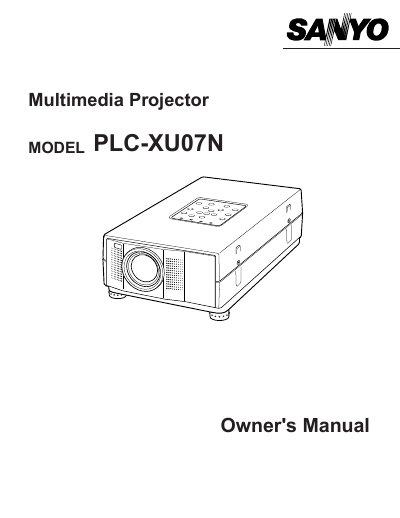
The Sanyo PLC-XU07N is a portable multimedia projector utilizing LCD technology with a palette of 16.77 million colors. It features an automatic multiscanning system compatible with IBM-compatible computers, Apple Macintosh/PowerBook systems, and various video standards including NTSC, PAL, and SECAM.
| Image Resolution | 1024 x 768 |
|---|---|
| Video Standards | NTSC, NTSC4.43, SECAM, PAL, and PAL-M |
| Menu Languages | English, Deutsch, Frangais, Italiano, Espafiol, or Japanese |
Unplug this projector from AC power supply before cleaning. Do not use liquid or aerosol cleaners; use a damp cloth.
No, do not attempt to service yourself as opening covers may expose you to dangerous voltage. Refer all servicing to qualified service personnel.
The projector cannot display resolutions over 1280 x 1024. You must reset your computer's screen resolution to a lower setting before connecting.