
Sanyo PLC-XU22N Multimedia Projector Owner's Manual

This is a user manual for PLC-XU22N Multimedia Projector, which introduces the features and characteristics of the product
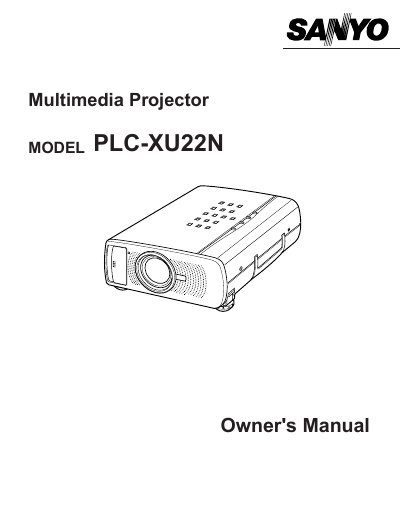

Sanyo PLC-XU22N Multimedia Projector Owner's Manual - cover page
Brand
Sanyo
Category
Projector
Document type
User Manual
Language
English
Pages
48
File format
PDF
File size
509 KB
Published
03 August, 2012
Updated
30 September, 2023
MD5 checksum
30EA9281DEB7BF21B3F66DE39FFEA1A7

About this manual

The Sanyo PLC-XU22N is a multimedia projector designed for computer and video display applications. This manual covers the setup, operation, and adjustment of the device, including connecting to computers and video equipment, using the remote control, and adjusting the image via the on-screen menu. It also details safety precautions regarding ventilation, power, and laser safety.

What's inside

  • Features and Design
  • Safety Precautions
  • Preparing the Projector
  • Operating the Remote Control
  • Connecting to Computers
  • Connecting to Video Equipment
  • Operating the On-Screen Menu
  • Picture Adjustment
  • Maintenance
  • Troubleshooting

Frequently asked questions

What specific safety precaution is required when cleaning the projector?

You must unplug the projector from the AC power supply before cleaning it.

What is the minimum distance required between the projector and a wall?

The projector must be kept at least 20cm away from a wall.

What happens if the projector is not installed and used according to the manual?

It may cause harmful interference to radio communications.

Download PDF (509 KB)

More Sanyo Manuals


View all Sanyo manuals →