
This document introduces the initial steps for using an electronic organizer, including removing the insulating film, pressing the reset switch, initializing the organizer, and clearing the memory.
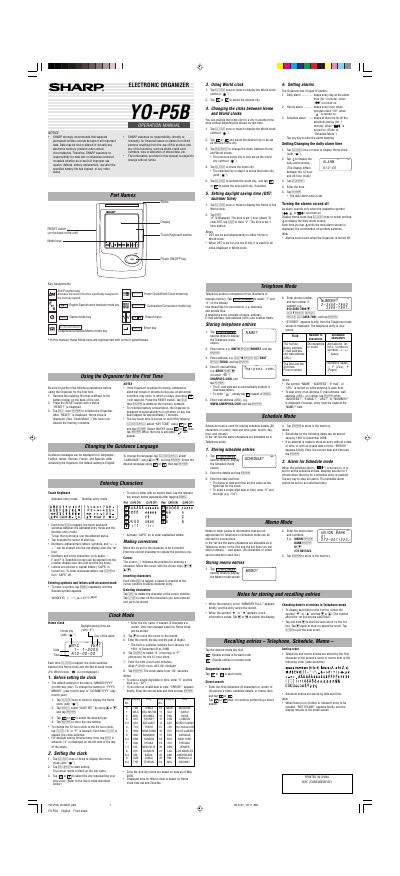
This manual provides operating instructions for the Sharp YO-P5B electronic organizer. It details the initial setup process, including battery installation and memory initialization. The device features a touch keyboard and stylus for data entry.
| Character Limit per Line | 36 characters or under |
|---|---|
| Auto Power Off | 7 minutes |
Yes, schedules can be stored for dates from January 1901 to December 2098.
The Organizer is designed to automatically turn off when no key has been tapped for approximately 7 minutes to minimize battery consumption.
The Organizer has 3 types of alarms: Daily alarm, Hourly alarm, and Schedule alarm.