
Sharp UP-820N POS Terminal Operation Manual

This document is a product manual that introduces the model, battery usage instructions, and usage precautions of the SHARP POS terminal.
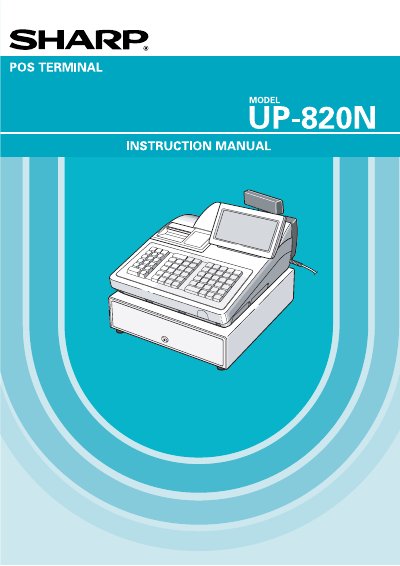

Sharp UP-820N POS Terminal Operation Manual - cover page
Brand
Sharp
Category
pos terminal
Document type
User Manual
Language
English
Pages
276
File format
PDF
File size
3.5 MB
Published
02 August, 2012
Updated
01 October, 2023
Model
UP-820N
MD5 checksum
A9B9BFB44DEA6726BBF6DCDBD9BF87FC

About this manual

This manual provides instructions for operating the Sharp UP-820N POS Terminal. It covers essential precautions, part names, and how to select operating modes. The guide details procedures for entering transactions, including items, taxes, and various tender types like cash, check, and credit.

What's inside

  • Part Names and Functions
  • Selecting Operating Mode
  • Time Display and Automatic Date Updating
  • Receipts
  • Entries
  • Correction
  • Special Printing Functions
  • Manager's Override Entries
  • Reading and Resetting of Sales Totals
  • Programming

Frequently asked questions

What is the recommended initial charging time for a new unit?

It is recommended to charge the battery pack for 24 to 48 hours before using the terminal.

How often must the memory protection battery be replaced?

The battery pack must be replaced at least every three years.

Download PDF (3.5 MB)

More Sharp Manuals


View all Sharp manuals →