
This document introduces the use of the manual, including the operations that need to be performed before using the manual for the first time, how to initialize the manual, how to press the key, and how to enter characters.
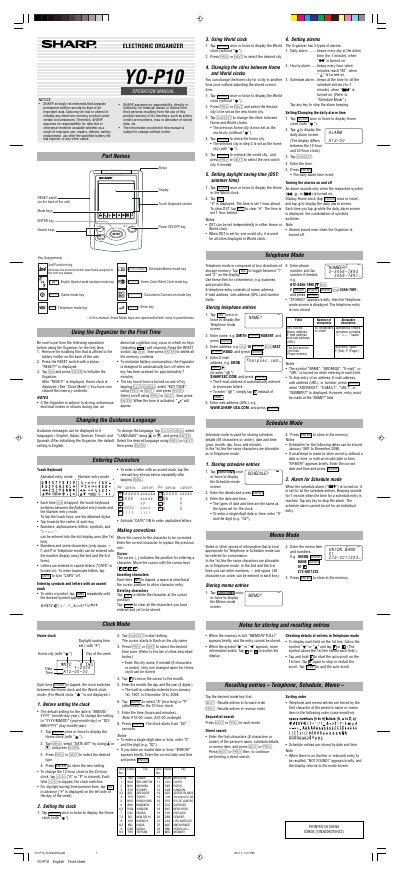
This document is the operation manual for the Sharp YOP10 Electronic Organizer. It provides instructions on initial setup, including removing isolating film and initializing memory via the RESET switch. The guide details how to change guidance languages and enter characters using the touch keyboard.
The manual covers various operating modes: Clock Mode (Home and World clocks), Telephone Mode (storing names, addresses, emails, and numbers), Schedule Mode (storing events with alarms), and Memo Mode. It also explains alarm settings for daily, hourly, and scheduled beeps.
Yes, you can enter a city name of up to 6 characters if it is not on the default list.
Up to 36 characters or under can be entered in each line for schedule or memo entries.