
This manual describes the features and usage of Sharp UP-600 POS terminal.
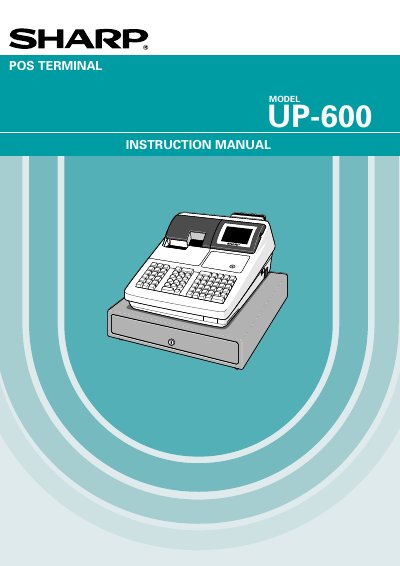
This document is the instruction manual for the Sharp UP-600 POS Terminal. It provides comprehensive guidance on operating the device, including safety precautions, part names, and basic entry procedures for sales transactions.
The guide details advanced features such as server code entries, item selection from function menu windows, various tendering methods (cash, check, charge), tax calculations, and customer management. It also covers correction functions, special printing options like validation slips, and extensive programming capabilities for the keyboard.
| Power Requirement | 120V +10% AC with dedicated earth-ground |
|---|---|
| Battery Type | Nickel Metal Hydride Battery |
It is recommended to allow each unit to charge for a period of 24 to 48 hours prior to use by plugging it in and setting the power switch to 'ON'.
Use a dry, soft cloth. Do not use solvents such as benzine or thinner.
These numbers are located on the tight side of the unit.