
This manual introduces how to use the YO-P20 electronic organizer, including preparations before use, clock, telephone, schedule, to-do items, memo, calculator, currency/unit conversion, game, translation, backlight, storage, contrast, secret function, battery replacement, etc.
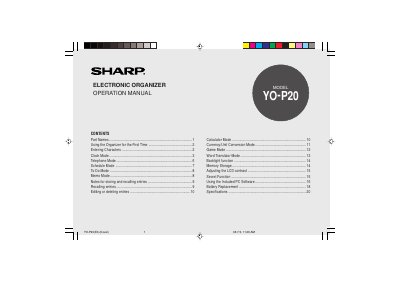
The document is an operation manual for the Sharp YOP20 Electronic Organizer. It details initial setup procedures such as removing isolating film and resetting memory, followed by instructions on entering characters using a touch keyboard with stylus support.
The guide covers various functional modes including Clock (Home/World), Telephone, Schedule, To Do, Memo, Calculator, Currency Conversion, Game, and Word Translator. It explains how to store and recall entries, edit data, set alarms, and adjust display settings like backlight and contrast.
| Date Range | January 1st, 1901 to December 31st, 2098 |
|---|---|
| Supported Languages | English, Italian, German, French, Spanish, Portuguese, Hungarian, Czech, Polish, and Greek |
| Auto Power Off Time | approximately 5 minutes |
The device supports English, Italian, German, French, Spanish, Portuguese, Hungarian, Czech, Polish, and Greek.
The Organizer automatically turns off when no key has been pressed for approximately 5 minutes.