
Introduce the use of electronic notebooks
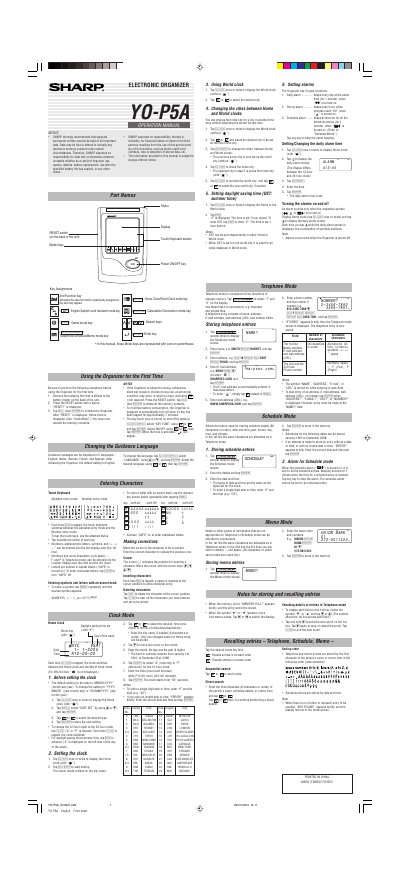
This document is the operation manual for the Sharp YO-P5A Electronic Organizer. It provides instructions on initializing the device, setting up guidance languages, and entering characters using the touch keyboard.
The guide details how to use various modes including Home Clock, World Clock, Alarms (Daily, Hourly, Schedule), Telephone, Schedule, and Memo. It explains procedures for storing contacts, managing schedules, and adjusting time zone settings.
| Date Range Support | January 1st, 1901 to December 31st, 2098 |
|---|---|
| Auto Sleep Timer | approximately 7 minutes |
| Supported Languages | English, Italian, German, French, and Spanish |
Yes, you can change the home city for a city in another time zone without adjusting the stored correct time.
You must remove the isolating film from the battery holder, press the RESET switch with a stylus, and tap the Enter key to initialize the device.
The organizer is designed to automatically turn off when no key has been tapped for approximately 7 minutes.