
This document describes how to use the PC interface software to install and connect TM-20, including installation steps and connection requirements, suitable for Sharp TM-20 users
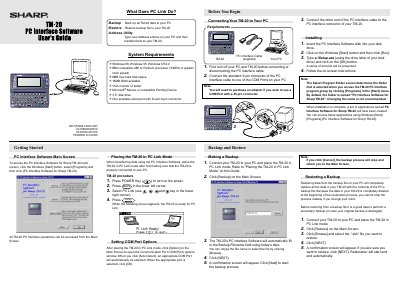
This document is an operation guide for the Sharp TM-20 PC Interface. It details the installation process for the accompanying software on Windows systems (98, 95, NT4.0) and explains how to configure communication settings.
The manual covers connecting the device via a serial cable, placing the TM-20 into 'PC Link Mode', and using the Address Utility to transfer data between the PC and the device. It also includes procedures for backing up and restoring data.
| System Requirements (OS) | Windows 98, Windows 95, Windows NT4.0 |
|---|---|
| Processor Requirement | IBM-compatible 486 or Pentium processor (33MHz or greater) |
| RAM Requirement | 16MB RAM available |
| Disk Space Requirement | 8MB free hard disk space |
| Display Requirement | VGA monitor of better |
No. You can only send data from your PC to your TM-20.
Yes. Data remaining in the Waiting field will not be lost if you turn off your PC.
If using a notebook PC, check BIOS and set the port to the serial port; otherwise, select an available port manually.