
This is a user guide for the SSM2380 audio amplifier evaluation board. The evaluation board can accept either differential or single-ended inputs and has full featured functionality. It also includes an optional EMI filter PCB and a USB hardware interface for plug-and-play operation. The board also comes with Microsoft Windows®-based evaluation software with a simple graphical user interface.
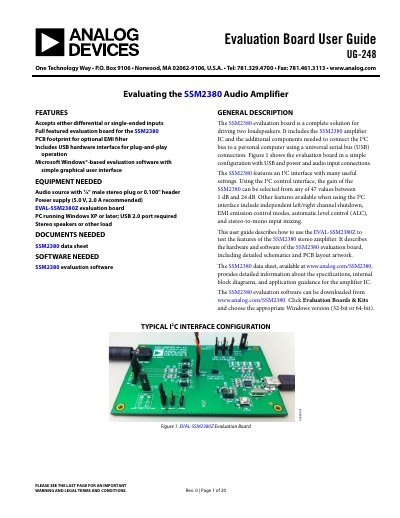
The SSM2380 evaluation board is a complete solution for driving two loudspeakers, featuring the SSM2380 amplifier IC and components to connect the I2C bus to a PC via USB. It supports plug-and-play operation with Microsoft Windows-based evaluation software that includes a simple graphical user interface.
| Power Supply Range | 2.5 V to 5.5 V |
|---|---|
| USB Power Limit | 500 mA |
| Shutdown Current | about 20 nA |
| Gain Range | 1 dB to 24 dB |
Use the 2-pin jumper JP8. Inserting a jumper across JP8 activates the amplifier, while removing the jumper shuts down both channels.
The board accepts external DC supply voltages between 2.5 V and 5.5 V.
Removing the JP8 jumper shuts down both channels so that minimal current, about 20 nA, is drawn from the power supply.
Using the I2C control interface, the gain of the SSM2380 can be selected from any of 47 values.