
ANALOG DEVICES UG-416 handbook

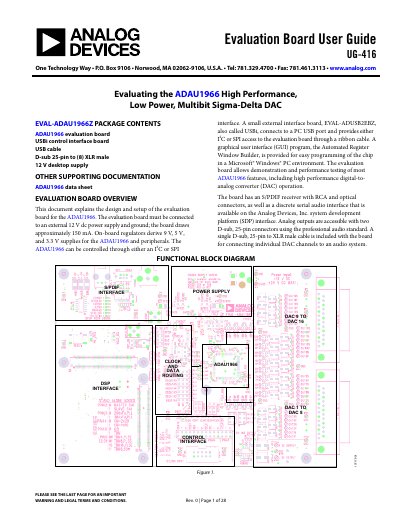
This document explains the design and setup of the evaluation board for the ADAU1966.

ANALOG DEVICES UG-416 handbook - cover page
Brand
Analog Devices
Document type
User Manual
Language
English
Pages
28
File format
PDF
File size
1.4 MB
Published
02 August, 2012
Updated
30 September, 2023
MD5 checksum
E85AEC0D10DD13C94EC30F67F4FB63C9

About this manual

The document provides instructions for setting up the EVAL-ADAU1966Z evaluation board, which features an S/PDIF receiver and connects to a PC via USBi or SPI. It details how to configure the board for standalone operation using jumpers or for live control using the Automated Register Window Builder software.

What's inside

  • Evaluation Board Overview
  • Standalone Mode Configuration
  • PC and SPI Control Setup
  • Automated Register Window Builder Installation
  • Hardware Setup—USBi
  • Powering the Board
  • Reset for the Evaluation Board

Frequently asked questions

What power supply is required for the evaluation board?

The EVAL-ADAU1966Z requires a 12 V dc power supply input and ground.

How do I enable standalone mode on the ADAU1966?

Apply a jumper across JP21 to pull SA_MODE (Pin 46) high.

What software is used to control the ADAU1966 registers?

The Automated Register Window Builder program provides a graphical interface for direct, live control of the registers.

Download PDF (1.4 MB)

More Analog Devices Manuals


View all Analog Devices manuals →