
The Casio G‑SHOCK MOVE 3475 user manual explains how to set up, charge, and use the watch’s GPS, heart‑rate, and activity features.
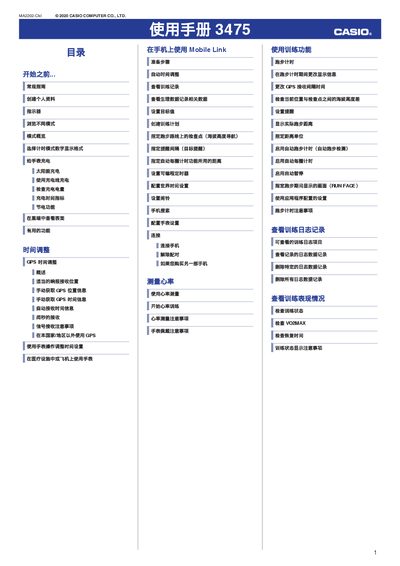
This manual provides step‑by‑step instructions for creating a personal profile, configuring world‑time settings, and using the watch’s various modes such as timer, stopwatch, digital compass, altitude, and pressure/temperature measurement. It also covers charging methods—including solar and USB charging—and how to enable automatic illumination.
Additional sections detail troubleshooting tips for GPS signal reception, Bluetooth pairing with a smartphone, heart‑rate measurement errors, and step‑count inaccuracies, helping users resolve common issues without service assistance. This manual is written in Chinese.
| Charging current (minimum) | 0.5 A |
|---|
Install the G‑SHOCK MOVE app, enable Bluetooth on the phone, and follow the pairing steps shown in the manual; also ensure the phone model is supported.
Place the watch where the LCD faces the sky, avoid covering it with sleeves, and move to an area with better satellite visibility; the watch must not be near strong magnetic or metal objects.
Retry the measurement; if the error persists, the sensor may be faulty—contact Casio service or the original retailer for assistance.