
The Casio 5663 watch user manual provides operating instructions, maintenance tips, battery replacement steps, and feature settings.
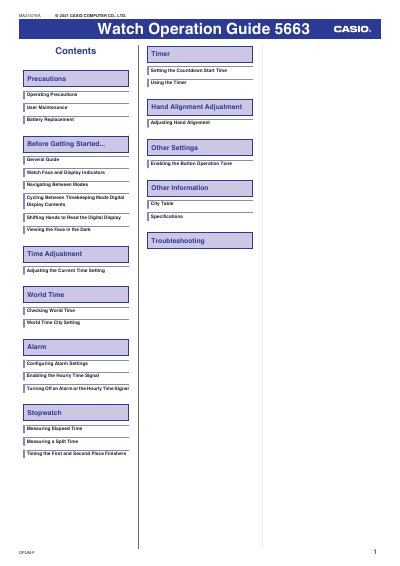
This guide introduces the Casio 5663 watch, its basic functions and how to use them safely. It covers precautions, water‑resistance limits, band care, and storage recommendations.
The manual details operation of each mode—timekeeping, world time, alarm, stopwatch, and timer—plus how to adjust the time, set illumination, replace the battery, and perform routine maintenance.
| Water Resistance | 5 ATM (5 BAR) |
|---|---|
| Water Resistance | 10 ATM (10 BAR) |
| Water Resistance | 20 ATM (20 BAR) |
| Operating Temperature Range | 0 °C to 40 °C |
The watch is water‑resistant up to the marked ATM rating, but it must not be used for scuba diving or other activities requiring air tanks.
Battery replacement should be performed by an authorized Casio service center using the battery type specified in the specifications.
Enter Timekeeping mode, hold down button (A) for at least two seconds, then use buttons (B) and (D) to change the settings, and press (A) to confirm.
Press button (B) to activate the LED illumination; it will turn off automatically after the set duration.