
The Casio PX‑S1100 user guide explains setup, operation, and features of the digital piano.
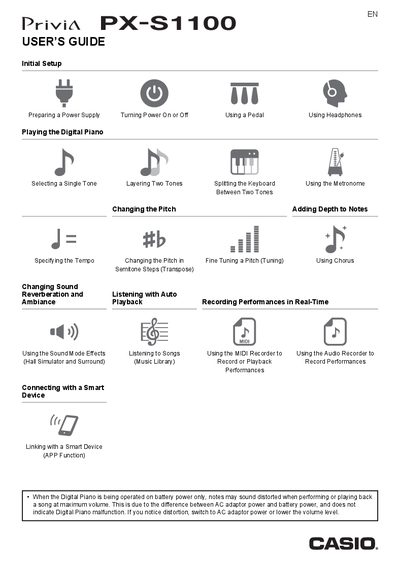
This guide covers everything you need to start using the Casio PX‑S1100 digital piano, from initial power‑up and battery handling to connecting headphones, pedals, and Bluetooth devices. Detailed instructions walk you through tone selection, layering, splitting, metronome use, recording, and the various sound‑effect modes.
Additional sections describe USB flash‑drive handling, MIDI settings, panel‑light configuration, factory reset, troubleshooting, and full product specifications, helping both beginners and experienced players get the most out of the instrument.
| Keyboard | 88‑key piano keyboard |
|---|---|
| Maximum polyphony | 192 notes |
| Number of tones | 18 (17 full‑keyboard tones + 1 low‑range bass tone) |
| Touch response | 5 sensitivity levels, Off |
| Tuning range | 415.5 Hz – 465.9 Hz (0.1 Hz units) |
| Power supply (AC adaptor) | AD‑A12150LW (JEITA standard plug) |
| Dimensions | 132.2 mm × 23.2 mm × 10.2 mm (W × D × H) |
| Weight | Approximately 11.2 kg (without batteries) |
| Speaker output power | 8 W + 8 W |
Use the Factory Reset (Initialization) function described in the manual to restore all stored data and settings to their original defaults.