
This is an electronic calculator user manual. It introduces the functions and use methods of the calculator.
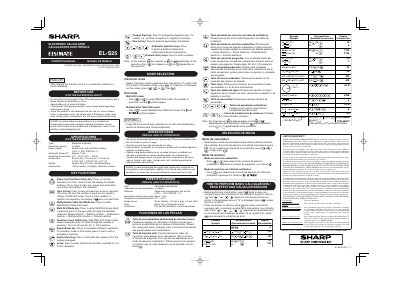
This manual provides instructions for the Sharp EL-S25 electronic calculator, a device featuring 10 digits, a built-in solar cell, and a lithium battery. It details the functions of the keys, including power on/clear, multiplication table drill, and math drill modes with various operation types.
| Digits | 10 digits |
|---|---|
| Power Supply | Built-in solar cell and lithium battery |
| Battery Type | CR2025 |
| Automatic Power-off | Approx. 7 min. |
| Operating Temperature | 0°C — 40°C |
| Dimensions | 83 mm (W) x 125 mm (D) x 19 mm (H) |
| Weight | Approx. 64 g |
Press the Clear All key to clear all memories stored in the calculator.
Press the Question Count Switch key to cycle through 25, 50, or 100 questions.
The warranty covers parts and labor for one year from the date of purchase.