
SHARP EL-W531 EL-W531G EL-W531H EL-W531HA EL-W535 Operation Manual

This document describes the features and characteristics of the SHARP Scientifi c Calculator Model EL-W531/W531G/W531H/W531HA/W535. It provides calculation examples, formulas, and tables, as well as operational notes.
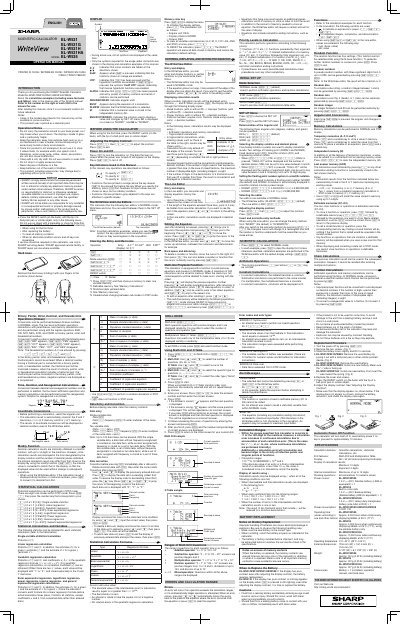

SHARP EL-W531 EL-W531G EL-W531H EL-W531HA EL-W535 Operation Manual - cover page
Brand
Sharp
Document type
User Manual
Language
English
Pages
8
File format
PDF
File size
2.7 MB
Published
02 August, 2012
Updated
29 September, 2023
MD5 checksum
65399E5CB3D8670666AABFF30539ED29

About this manual

This document is an operation manual for the Sharp Scientific Calculator models EL-W531, EL-W531G, EL-W531H, EL-W531HA, and EL-W535. It provides instructions on initial setup, including adjusting display contrast and resetting the device using a ball-point pen tip.

What's inside

  • Introduction
  • Operational Notes
  • Display Symbols
  • Before Using the Calculator
  • Adjusting Display Contrast
  • Power On and Off
  • The WriteView Editor
  • The Line Editor
  • Editing the Equation
  • Multi-line Playback Function

Frequently asked questions

How do I adjust the display contrast?

Press then or to adjust the contrast, and press to exit.

When should I use the RESET switch?

Use it when using for the first time, after replacing the battery, to clear all memory contents, or if keys are inoperative.

What happens when I press the RESET switch?

Pressing the RESET switch erases all data stored in memory.

Download PDF (2.7 MB)

More Sharp Manuals


View all Sharp manuals →