
This document is the operation manual for the SHARP Electronic Dictionary model PW-E350. It provides instructions on using the New Oxford American Dictionary, Oxford American Thesaurus of Current English, and various functions such as the Super jump function, History function, Calculator function, and Converter function. Additionally, the manual includes introductions to the dictionaries and product support information.
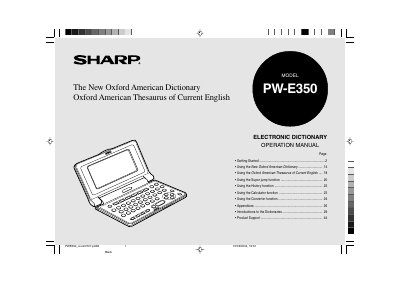
This document is the operation manual for the Sharp PW-E350 electronic dictionary. It provides instructions on getting started with the device, including battery installation and initial power-on procedures. The manual details the layout and key assignments for navigating the interface.
The guide explains how to use the included dictionaries: The New Oxford American Dictionary and the Oxford American Thesaurus of Current English. It covers various functions such as word lookup, phrase search, spellcheck, calculator, currency converter, metric converter, super jump, history function, and LCD contrast adjustment.
| Dictionary Data Source 1 | The New Oxford American Dictionary |
|---|---|
| Dictionary Data Source 2 | Oxford American Thesaurus of Current English |
| Auto power off interval (initial) | 5 minutes |
The PW-E350 will automatically turn its power off to save battery.
The unit contains data based on The New Oxford American Dictionary and the Oxford American Thesaurus of Current English.
The PW-E350 will automatically turn its power off if no key operations are detected for a set period of time, with an initial interval of 5 minutes.
If a different screen appears, you must follow the reset procedure found on page 27.