
This document introduces the layout, special functions, and various calculation activities of the Sharp EL-W535B calculator, including basic arithmetic, fractions, powers and roots, parentheses and editing, angle conversions, trigonometric functions, inverse trigonometric functions, coordinate conversions, logarithms, inverse logarithms, base conversions, random numbers and probability, and single variable statistics and two variable statistics with linear regression.
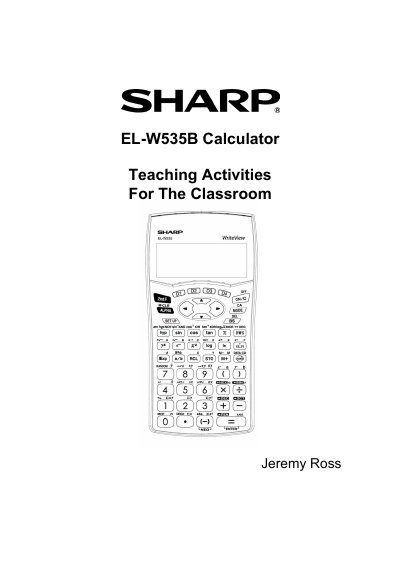
This document serves as a supplementary teaching resource for the Sharp EL-W535B WriteView calculator. It is designed specifically for classroom use to help students learn how to operate the device through structured learning modules.
The guide covers a wide range of mathematical topics including basic arithmetic, fractions, powers and roots, trigonometric functions, statistics, and probability. Each section provides a 'Calculator Activity' followed by a 'Practice Activity', with corresponding answer keys provided at the end of the document.
| Display Notation Systems | five display notation systems |
|---|---|
| Memory Locations | 9 memories |
This calculator has three modes: NORMAL, STAT, and DRILL mode.
Press (DRG) then press (0) for degrees.