
This manual introduces the use of Model 42510 IR Thermometer, including product features, safety precautions, usage methods, specifications, etc.
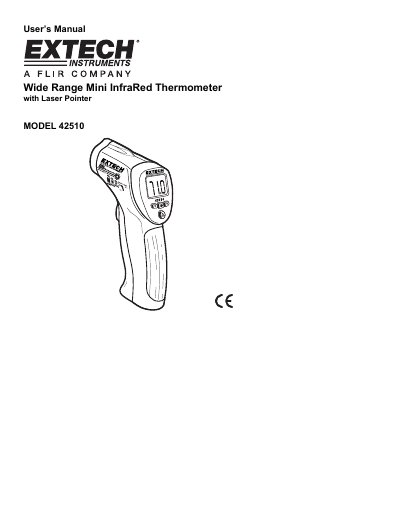
The Extech Model 42510 is a non-contact infrared thermometer designed for measuring surface temperatures. It features a built-in laser pointer to increase target accuracy, a backlit LCD display, and ergonomic push-buttons for convenient operation. The device measures temperatures in a wide range from -50°C to 538°C (-58°F to 1000°F) with a fixed emissivity of 0.95.
| Temperature Range | -50 to 200°C (-58 to 200°F) / 200°C to 538°C (200°F to 1000°F) |
|---|---|
| Accuracy | + 1% of reading or +1°C (1.8°F) whichever is greater, from 15 to 50°C |
| Emissivity | 0.95 fixed value |
| Field of View | Approx. 8:1 ratio |
| Spectral Response | 6 to 14 um (wavelength) |
| Weight | 180g / 6.4 oz. |
The thermometer has a fixed emissivity value of 0.95.
The laser pointer increases target accuracy by allowing the user to aim the red beam approximately a half inch above the point of test.
If the measurement exceeds 1000°F (538°C), the thermometer will display dashes in place of a temperature reading.
The reading will hold for approximately 6 seconds after the trigger is released before the meter automatically shuts off.