
This document is the manual for the Extech 42560 infrared thermometer, which introduces the characteristics and usage of the thermometer
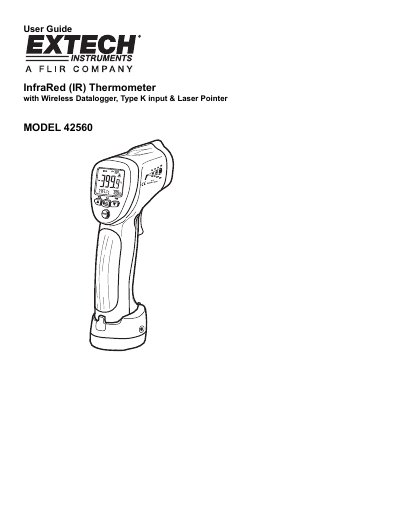
The Extech Model 42560 is an infrared thermometer designed for measuring surface temperatures up to 1922°F (1050°C) without physical contact. It features a built-in laser pointer to improve target accuracy and includes adjustable emissivity settings to accommodate various surfaces.
In addition to non-contact measurements, the device supports Type K thermocouple inputs for contact temperature readings up to 2498°F (1370°C). The instrument also functions as a datalogger with internal memory for storing up to 20 readings and includes features such as high/low alarms, MAX-MIN-DIF-AVG calculations, and test lock capabilities.
| Maximum IR Temperature | 1922°F (1050°C) |
|---|---|
| Maximum Type K Temperature | 2498°F (1370°C) |
| Thermocouple Rating | 482°F (250°C) |
| Internal Memory Capacity | 20 readings |
| Field of View Ratio | 30:1 |
| Power Source | One (1) 9V battery |
The non-contact infrared measurement capability reaches a maximum of 1922°F (1050°C).
Yes, it supports Type K thermocouple inputs for contact measurements up to 2498°F (1370°C).
The instrument includes an internal memory bank capable of storing 20 readings.