
This is the user manual of Extech 42540A High Temperature Infrared Thermometer. It describes the features and characteristics of the thermometer, as well as how to use it.
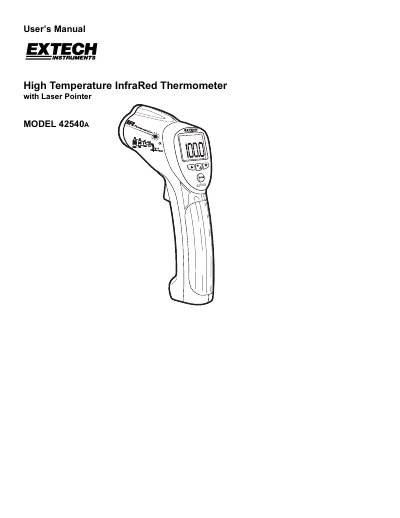
The Extech Model 42540A is a high-temperature infrared thermometer designed for non-contact temperature measurements. It features a built-in laser pointer to increase target accuracy, a backlit LCD display, and ergonomic push-button operation. The device allows users to adjust emissivity settings from 0.1 to 1.00 (defaulting to 0.95) and includes programmable high and low alarm functions.
| Temperature Range / Resolution | -58 to 1400°F (-50 to 760°C) @ 0.1°C/°F |
|---|---|
| Accuracy | ± 2% of reading or 4°F (2°C) |
| Emissivity Range | Adjustable from 0.1 to 1.00 |
| Field of View Ratio | Approx. 16:1 (D/S) |
| Laser Power | Less than 1mW |
| Spectral Response | 6 to 14 µm (wavelength) |
| Operating Temperature | 32°F to 122°F (0°C to 50°C) |
| Power Supply | 9V battery |
The default emissivity value is set to 0.95.
The temperature reading holds for approximately 7 seconds before the meter automatically shuts off.
The thermometer displays dashes in place of a temperature reading.