
This document provides instructions for the use and precautions of the High Temperature InfraRed Thermometer with Laser Pointer Model 42530. It also includes specifications and features of the product.
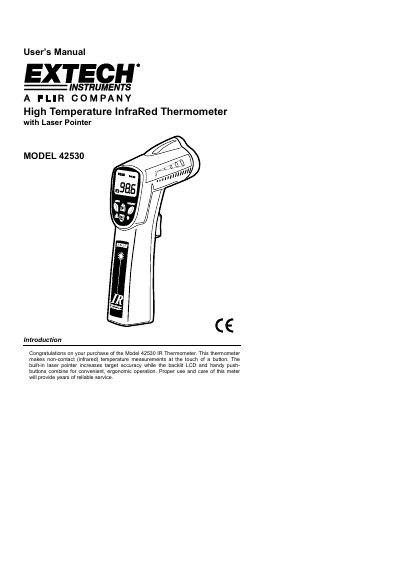
This document is the User's Manual for the Extech Model 42530 High Temperature Infrared Thermometer with Laser Pointer. It provides an introduction to the device, which performs non-contact temperature measurements using infrared technology and features a built-in laser pointer for target accuracy. The manual outlines proper use and care to ensure reliable service.
| Range / Resolution | -50 to 538°C (-58 to 1000°F) |
|---|---|
| Accuracy | ± 2% of reading or ± 2°C (4°F) |
| Emissivity | 0.95 fixed value |
| Field of View | D/S = Approx. 8:1 ratio |
| Laser power | Less than 1mW |
| Spectral response | 6 to 14μm (wavelength) |
| Display | 3½digit backlit LCD display |
| Operating Temperature | 0°C to 50°C (32°F to 122°F) |
| Weight | 180g / 6.35 oz. |
The operating temperature range is 0°C to 50°C (32°F to 122°F).
It can take up to 30 minutes for the meter to adjust to extremely wide ambient temperature changes.
The thermometer will emit an audible warning and the OVER icon will be displayed on the LCD.
Push the red Laser button to turn on the laser pointer while continuing to pull the Trigger.