
The Extech 461950 Panel Tachometer is a panel-mounted digital tachometer that displays continuous readings from 5 to 99,990 rpm. Single pulse activation eliminates the need for special gears when setting up the meter in any given application. Models 461955 (proximity sensor) and 461957 (photoelectric sensor) are also covered in this manual. Careful use of these devices will provide years of reliable service.
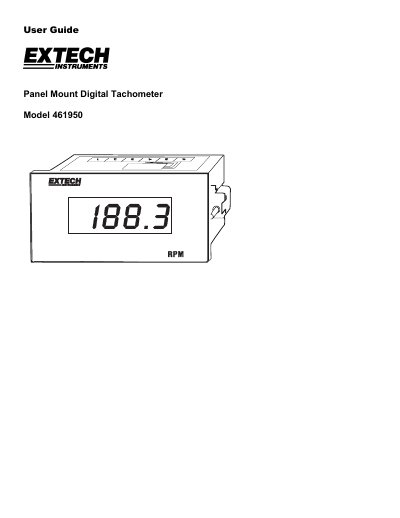
The Extech Model 461950 is a panel mount digital tachometer designed to measure continuous RPM readings from 5 to 99,990. It features a 4-digit LED display with an update rate of once per second and supports both AC power inputs (110/220VAC) and various sensor types.
| Range | 5 to 99,990 RPM |
|---|---|
| Resolution | 0.1 (5 to 999.9); 1 (1000 to 9999); 10 (10.000 to 99,990) |
| Accuracy | ±(0.05% + digit) |
| Display | 4-digit LED display |
| Power Input | 110/220VAC; 50/60Hz ±15% |
| Panel Cutout | 3.62 x 1.77" (92 x 45mm) |
The manual covers Models 461955 (proximity sensor) and 461957 (photoelectric sensor).
Connect to terminals 5 and 7 on the panel tachometer.
The Model 461957 Photoelectric Sensor measures up to 6,000 RPM (100 Hz).