
This manual introduces the use of the VIR50 thermal imager, including product features, use methods, precautions, etc.
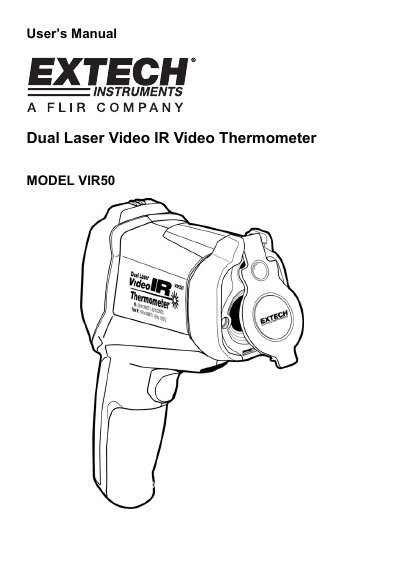
This manual provides instructions for the EXTECH VIR50 Dual Laser Video IR Thermometer, a device capable of non-contact infrared and contact thermocouple temperature measurements. It features a built-in 640 x 480 pixel digital camera for capturing still images and video, along with dual laser targeting and adjustable emissivity settings.
The document details four measurement modes: Video + Infrared, Infrared-only, Dew Point, and Datalogging. It also covers system settings such as date/time configuration, temperature units, backlight brightness, and auto-power-off options, as well as safety precautions regarding the laser pointer.
| Display | 2.2" TFT LCD |
|---|---|
| Camera Resolution | 640 x 480 pixels |
| Battery | 3.7V rechargeable |
| Laser Convergence Distance | 50 inches (127cm) |
| Spot Size at 50 inches | 1 inch (2.54cm) |
| Emissivity Range | 0.1 to 1.00 |
The meter supports Video + Infrared, Infrared-only, Dew Point, and Datalogging modes.
Insert a paper clip into the Reset opening to trigger the RESET function.
The recommended setting is 0.94 for most organic materials and painted or oxidized surfaces.