
This manual introduces the functions and usage methods of the Extech Datalogging Sound Level Meter 407764.
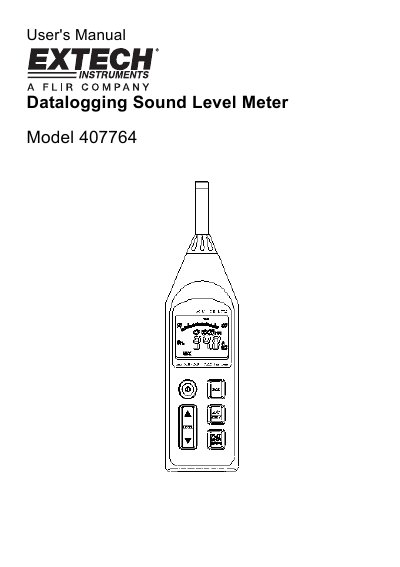
The Extech Model 407764 is a professional Datalogging Sound Level Meter capable of performing noise measurements and storing data internally or directly to a PC. The device allows users to save, analyze, and generate reports from collected acoustic data. It features double insulation protection and requires specific care for long-term reliability.
The manual details the meter's physical components, including the microphone, display, and various control switches for frequency weighting (A/C) and response time (Fast/Slow). It provides instructions on measurement preparation, calibration using a sound level calibrator, analog output connections, and software installation for data acquisition.
| Battery Type | 4 AA |
|---|---|
| Default Frequency Weighting | 'A' |
| Internal Memory Capacity | 128,000 readings |
| DC Output Impedance | 100 Ohms |
The default configuration is 40 to 90dB range, 'A' Frequency Weighting, and 'FAST' Response Time.
Press the 'A/C' button on the meter. The display will show either an 'A' or 'C' icon.
FAST mode responds in 200ms to capture noise peaks, while SLOW mode responds in 500ms for consistent noise levels.