
This document is the user guide for the PQ3450 3-Phase Power Analyzer, which provides information on the features and safety, specifications, meter description, meter basics and setup mode, power measurement procedures, maintenance, PC interface, etc.
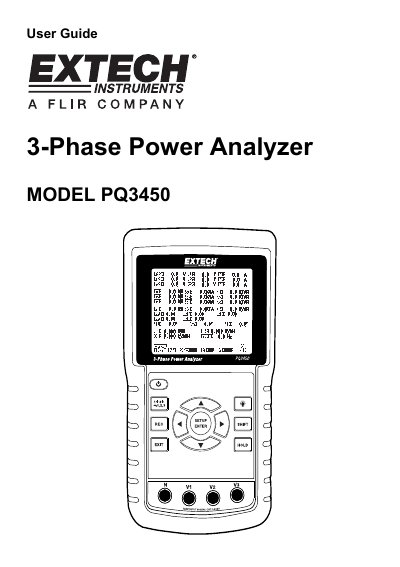
This document is the user guide for the Extech PQ3450 3-Phase Power Analyzer. It introduces the instrument's features, such as its large backlit LCD, high accuracy current clamps, and ability to log up to 30,000 readings on an SD card. The guide also outlines safety precautions, including operating limits and environmental conditions.
| Display | Dot Matrix backlit LCD (320 X 240 pixels) |
|---|---|
| Voltage Range | 10 ACV to 600 ACV (Auto Range) |
| Current Range | 20A/200A/2000A/30A/300A/3000A/6000A |
| Accuracy (AC Voltage) | ± (0.5% range + 3 digits) |
| Accuracy (AC Current) | ± (0.5% range + 5 digits) |
| Power Supply | Eight (8) 'AA' 1.5VDC batteries or AC 9V power adapter |
| Weight | 968g (2.1 lbs.) (with batteries) |
| Operating Temperature | 0 to 50°C (32 to 122°F) |
Press and hold the 'Exit' key for at least 6 seconds to reset WH, SH, and QH values to zero.
The user must replace the batteries immediately, as weak batteries compromise measurement accuracy and performance.
Yes, the real-time data logger saves data to an SD memory card which can be downloaded to a PC.