
The manual introduces the functions and characteristics of the Extech Model 412400 Process Calibrator, including measuring or sourcing current, voltage, and thermocouple temperature signals, as well as using 24Vdc loop power supply and measurement function simultaneously in SOURCE/MEASURE mode.
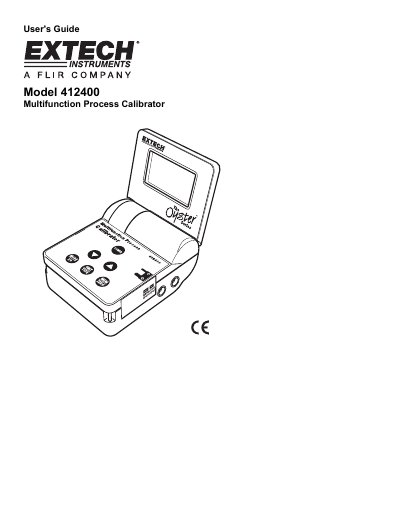
This document is the User's Guide for the Extech Model 412400 Multifunction Process Calibrator. The instrument is designed to measure or source current, voltage, and thermocouple temperature signals. It features a flip-up display, battery or AC power operation, and an Auto Power Off function.
| Display | 9999 count LCD |
|---|---|
| Power Supply | Six (6) 1.5V 'AA' batteries or AC adaptor |
| Auto Power OFF | 10 minutes of inactivity |
| Current output capability | 24mA @ 1000 ohms |
| Loop Power | 24Vdc (1000 ohm max. load) |
| Battery Life | Approximately 7 hours |
| Operating Temperature | 5°C to 40°C |
| Operating Humidity | Max 80% up to 31°C |
| Dimensions | 96 x 118 x 45mm folded |
| Weight | 340g |
Remove the screw securing the battery compartment cover on the bottom, slide the cover off, replace the six 1.5V 'AA' batteries observing polarity, and replace the cover.
The battery symbol appears on the upper left-hand corner of the LCD display, or the instrument may not switch on with a press of the POWER button.
Press and hold the POWER button (starting with the meter ON) until the APO icon is on or off.
The default values are 0mV, 2.50V, 5.00V, 7.50V, and 10.00V.