
This manual introduces the features and usage of the 28A8941/8941A liquid crystal projector.
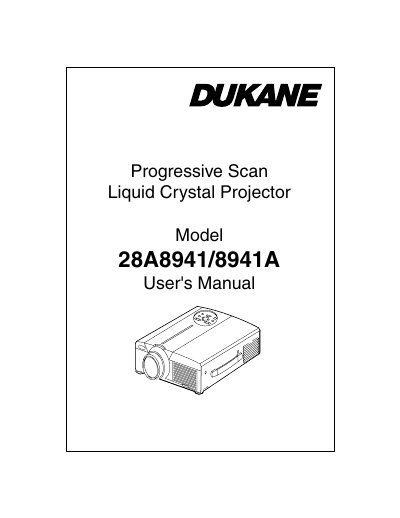
The Dukane 28A8941/8941A is a progressive scan liquid crystal projector designed to display computer signals as well as NTSC, PAL, and SECAM video signals. The device features an outstanding brightness level achieved through its UHB lamp and high-efficiency optical system.
| Supported Video Signals | NTSC / PAL / SECAM video signals |
|---|---|
| Brightness Feature | UHB lamp and high-efficiency optical system |
| Magnification Function | Partial Magnification Function |
| Image Correction | Distortion Correction Function |
The projector supports NTSC, PAL, and SECAM video signals.
Lift up the front side of the projector, press the foot adjuster button, and release it when locked at the desired angle.