
Dukane P42A Plasma Monitor Operation Manual

This document is the operation manual for the P42A plasma monitor, including product specifications and precautions.
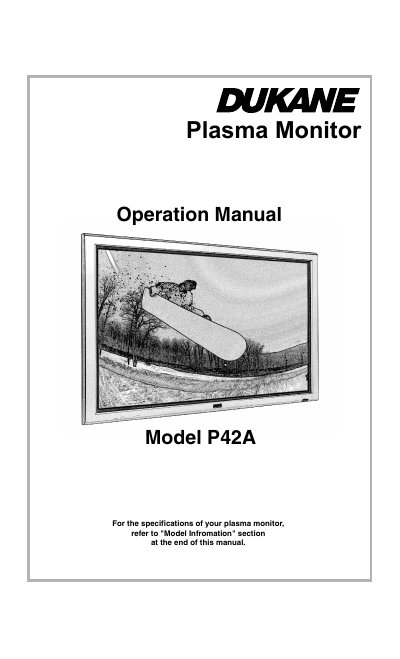

Dukane P42A Plasma Monitor Operation Manual - cover page
Brand
Dukane
Category
Monitor
Document type
User Manual
Language
English
Pages
38
File format
PDF
File size
1.5 MB
Published
11 July, 2012
Updated
28 September, 2023
MD5 checksum
5973C9813E7C9C40BCF688D9B91237FB

About this manual

This document is the operation manual for the Dukane Model P42A plasma monitor. It provides essential safety warnings regarding electric shock and fire hazards, advising users not to open the cabinet or use extension cords improperly. The manual emphasizes proper ventilation and handling to ensure long-term service life.

What's inside

  • Important Information
  • Precautions
  • Warnings and Safety Precaution
  • Plasma monitor cleaning procedure
  • Recommendations to avoid or minimize phosphor burn-in

Frequently asked questions

What should I do if the monitor becomes too hot?

Turn off the power and unplug the cord, then move the unit to a cooler location and wait 60 minutes for it to cool.

How often must I clean the ventilation areas?

You must clean the ventilation areas monthly, though more frequent cleaning may be necessary depending on the environment.

What happens if I operate the monitor at line voltages greater than 100-240 Volts AC?

Continued operation at these higher voltages will shorten the life of the unit and might even cause a fire hazard.

Download PDF (1.5 MB)

More Dukane Manuals


View all Dukane manuals →