
Dukane 28A8945/9058 Projector User Manual

This manual is a user manual for the 28A8945/9058 projector, which introduces the safety usage, operation methods, and troubleshooting of the product in detail.
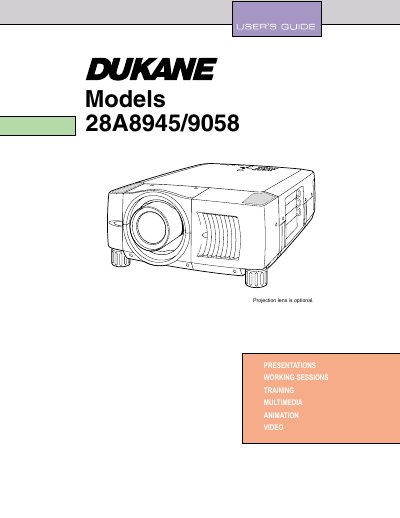

Dukane 28A8945/9058 Projector User Manual - cover page
Brand
Dukane
Category
Projector
Document type
User Manual
Language
English
Pages
51
File format
PDF
File size
1.2 MB
Published
12 July, 2012
Updated
01 October, 2023
MD5 checksum
B1176F9C909CAEAC5CB3F3FB87CD5947

About this manual

This user manual covers the Dukane 28A8945/9058 projector, detailing safety precautions, features, and design specifications. It guides users through the preparation and setup process, including connecting the AC power cord, installing the lens, and positioning the unit for optimal performance.

What's inside

  • Safety Instructions
  • Features and Design
  • Preparation
  • Setting-Up Projector
  • Connecting Projector
  • Basic Operation
  • Maintenance
  • Troubleshooting
  • Technical Specifications

Frequently asked questions

What safety precaution is required to prevent eye damage from the projector's light?

Do not stare directly into the projection lens or the Laser Light Window, as this can cause eye damage.

What is the minimum distance required for air circulation around the projector?

A minimum distance of 50cm must be maintained on the top, sides, and rear of the projector cabinet.

How long does the laser pointer function emit a beam when the button is pressed?

The laser beam is emitted for 1 minute when the LASER button is pressed.

Download PDF (1.2 MB)

More Dukane Manuals


View all Dukane manuals →