
This document is the user manual for the Portable LCD Projector Model 8943, providing instructions for use and precautions.
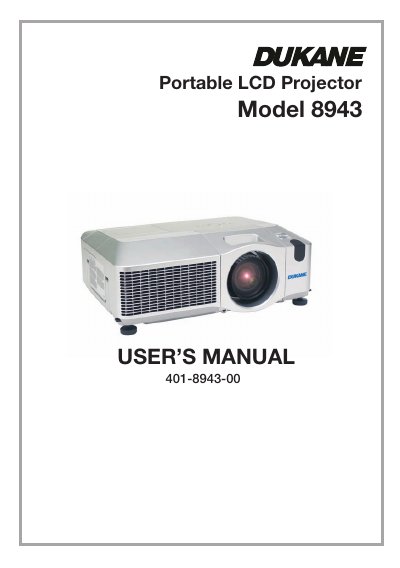
This document is the User's Manual for the Dukane 8943 Portable LCD Projector. It covers safety warnings, package contents, and detailed instructions on setting up the projector, connecting devices, and using the remote control. The guide explains how to adjust the image, including zoom, focus, lens shift, and keystone correction, as well as how to navigate the various menu functions for picture, audio, and network settings.
The manual also includes sections on maintenance, such as lamp replacement and air filter cleaning, troubleshooting common issues, and warranty information. It provides a list of part names and descriptions of the control panel, rear panel, and remote control buttons.
| Product Type | Portable LCD Projector |
|---|
Read the User's Manual and Safety Guide before use, and store them for future reference.
The lens cover should be fastened to the projector using the included strap to avoid losing it.
Use the shutdown switch, but note that this stops operation without cooling the projector down.