
This document is a software utility installation guide, providing instructions for installing and using software such as Dynamic Image Utility 2.0, Viewer PPT Converter 2.0, and Image Express Utility 1.0.
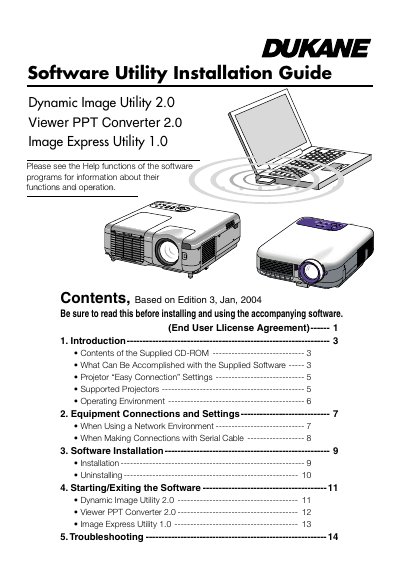
This manual provides installation instructions and an overview of the Dukane Software Utility suite designed for use with Dukane projectors. The included programs are Dynamic Image Utility 2.0, Viewer PPT Converter 2.0, and Image Express Utility 1.0.
The guide details how to connect equipment in network or serial environments, install and uninstall the software on supported Windows operating systems, and start or exit each utility. It also covers specific features such as converting PowerPoint files for direct playback, capturing screen images, and using the "Easy Connection" mode for wireless LAN setups.
It converts PowerPoint files and images into slides that can be displayed by the projector's viewer function.
The guide supports the 9060 and 9066 models.