
This manual introduces how to use ImagePro 8932 LCD projector.
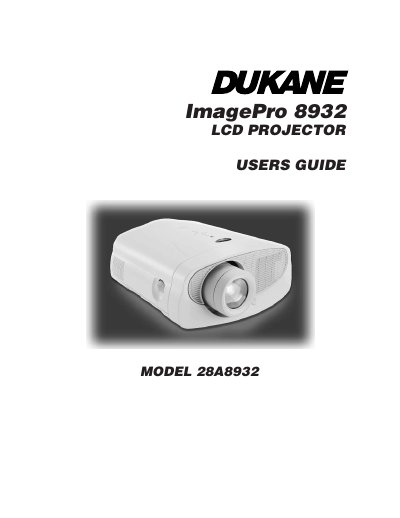
This manual covers the Dukane ImagePro 8932 LCD Projector, including safety instructions, unpacking, and usage guidelines. It details how to connect the projector to various computers and video players using different cable types such as VESA, BNC, and RS-232. The guide also explains how to power up the unit, adjust the image, and use the remote control and on-screen menus for display, audio, and image settings.
The typical use is in a conference room, meeting room, or auditorium.
You must wait 30 minutes before opening the lamp door to avoid burns.
The projector is warranted for a period of five years from the original purchase date.