
This manual introduces how to use LCD Projector Model 8914
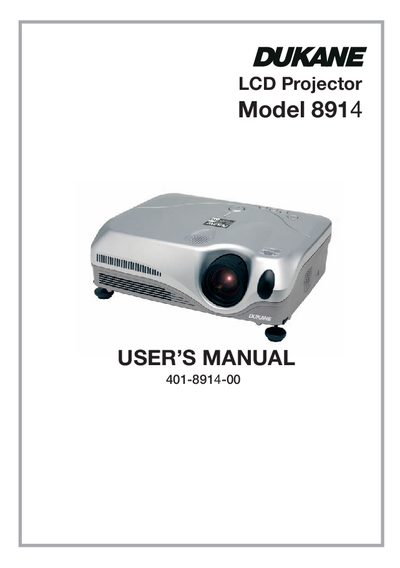
The Dukane 8914 is a compact LCD projector designed to project computer signals and NTSC/PAL/SECAM video signals onto a screen. It features a 230W Ultra High Brightness (UHB) lamp for bright images in lighted rooms and a WHISPER mode for quieter operation in low luminance environments. The device is extremely compact and slim, suitable for various installation scenarios.
| Supported Video Signals | NTSC/PAL/SECAM |
|---|---|
| Noise Mode | WHISPER mode |
Push the Restart switch using a cocktail stick or similar tool, then cool the projector down for at least 10 minutes before turning it on again.
You must keep a space of at least 30 cm between the sides of the projector and other objects such as walls.
If you need to reset the microprocessor, let the projector cool down for at least 10 minutes without operating.
The projector uses a newly developed 230W UHB (Ultra High Brightness) lamp.