
This file is about Water Pressure Switch maintenance instructions.
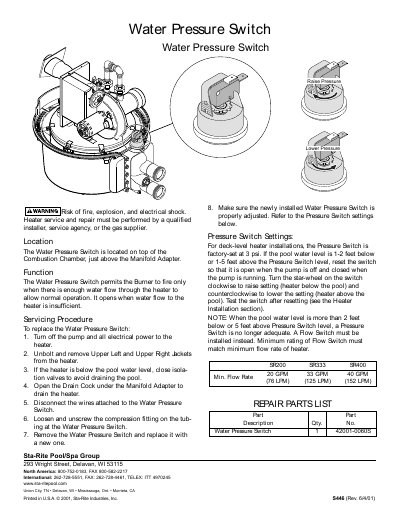
The Water Pressure Switch is located on top of the Combustion Chamber, just above the Manifold Adapter. Its function is to permit the Burner to fire only when there is sufficient water flow through the heater; it opens if water flow becomes insufficient.
To replace the switch, turn off power and pump, remove upper jackets, drain the heater via the Drain Cock under the Manifold Adapter, disconnect wires, loosen the compression fitting on the tubing, and remove the old unit. After installation, ensure proper adjustment based on pool water level relative to the switch.
The switch is factory-set at 3 psi.
A How Switch must be used when the pool water level is more than 2 feet below or 5 feet above the Pressure Switch level.