
StructureScan™ is a sonar imaging software that can help users generate side scan and down scan images, which can help users understand underwater terrain and obstacles
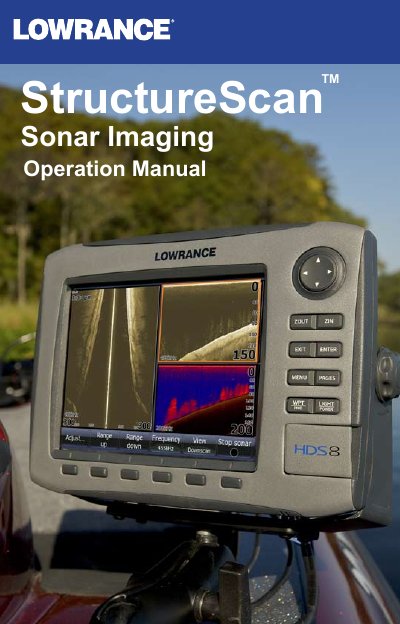
The Lowrance StructureScan system utilizes broadband sounder technology to provide an underwater panoramic view of structure and terrain. It consists of two primary views: Sidescan, which broadcasts beams to each side of the boat, and Downscan, which broadcasts downward for high-resolution vertical imaging.
Users can configure the display in various screen configurations including splitscreen, tri-screen, and quad-screen modes. The system supports two frequencies (455 kHz and 800 kHz) selectable via the menu to optimize for either greater depth/distance or better definition.
| Power Requirement | 12 Volts (Input 10V - 17V) |
|---|---|
| Transmit Power WRMS | 500W |
| Transducer Cable Length | 20 feet (6m) |
| Sidescan Max Range 455kHz | 500ft — 250 per side |
| Sidescan Max Range 800kHz | 300ft —150 per side |
| Transducer Frequency | 455kHz and 800kHz |
The system supports 455 kHz for greater depth/distance and 800 kHz for better definition.
The optimum speed is 10 mph (16 kmh) or less.