
This document introduces the use of MapCreate 6 Custom Mapping Software for GPS, including installation and operation.
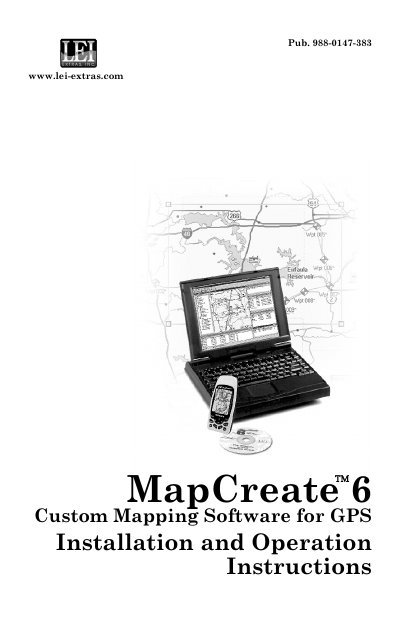
This document serves as the user guide for MapCreate 6, a custom mapping software designed specifically for Lowrance and Eagle GPS units. It covers the installation process, system requirements, and the use of the LEI MMC card reader. The software allows users to create highly customized maps and transfer GPS information to their navigation devices.
| Compatible GPS Units | Lowrance and Eagle GPS units |
|---|---|
| Software Version | 6.3 |
| Required Hardware | LEI MMC card reader |
MapCreate 6 is custom mapping software for Lowrance and Eagle GPS units.
Click the Windows Start button and choose your version of MAPCREATE from the menu.
You can visit the manufacturer's websites for free owner's manuals and current information.