
This document is about FCC statement, which states that the device does not produce harmful interference and accepts any interference, including interference that may cause undesired operation.
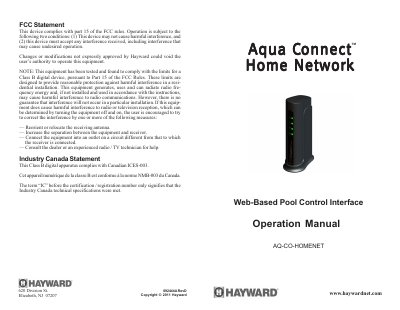
This manual explains how to operate the Hayward Web-Based Pool Control Interface (ACHN), including hardware setup, local server access, and web client functionality for remote pool control. It details LED indicators, Teach Mode, and Range Test Mode for wireless setup. The document does not include installation instructions, which are in a separate manual.
Go to the Settings Menu on the pool controller, press the left arrow twice to get to the screen “Teach Wireless: + to start”, and then press the plus key. Then depress and continue to hold down the Teach Button on the ACHN.
It allows Hayward pool controllers to connect to a home network and the Internet for remote pool control.
It is used to initiate Teach Mode and Range Test Mode during installation or troubleshooting.
The LINK LED will blink, indicating the ACHN is out of range and needs to be relocated.